
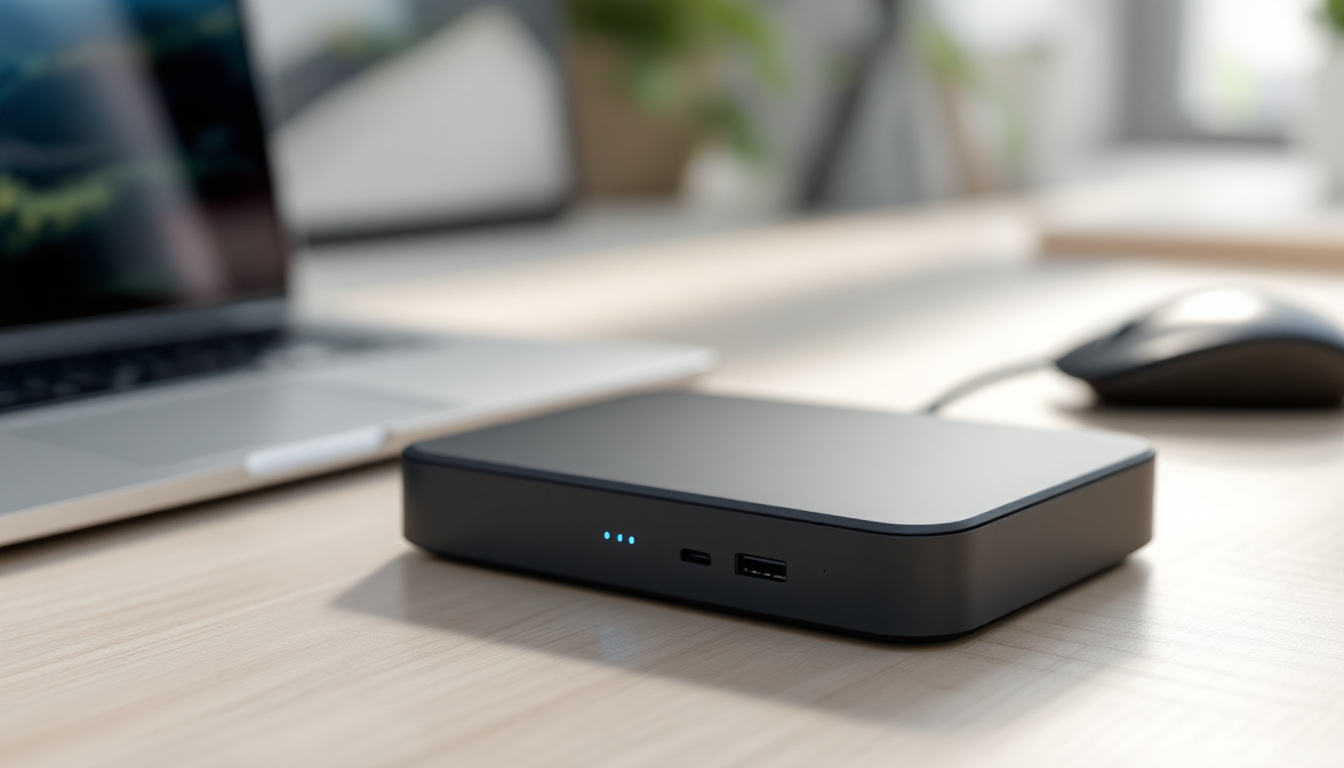
Quick Answer: The Sync Module XR is the base unit to pick when your cameras are spread across a larger house or garden, because it is built for longer distances and stands in as the system base unit itself. The Add-On Sync Module 2 is the simpler choice when you already own a Blink system and want to add capacity to it. Put simply, the XR starts a system and the Add-On joins one.
Blink Sync Module 2
The add-on module for a Blink system you already have.
Blink Sync Module XR
The extended-range base unit for a larger property.
Blink Sync Module 2 vs Xr at a Glance
| Feature | Blink Sync Module 2 | Xr |
|---|---|---|
| System role | Adds to an existing setup | Stands in as the main base unit |
| Compatibility | Works with Blink cameras | Works with Blink cameras |
| Installation | Pairs with the system you have | Becomes the system the cameras join |
| Coverage area | Smaller indoor setups | Larger indoor and outdoor zones |
| Power supply | Plug-in | Plug-in |
What Each Module Does
Both modules do the same basic job: they are the link between your Blink cameras and your home Wi-Fi, and through that between the cameras and the Blink app on your phone. Where they differ is what they are designed to replace or add.
The Sync Module 2 is an add-on. It is meant for a household that already has a Blink system running and wants to extend it, whether that means more cameras in another room or a second group of cameras under one account. You pair it with the system you own rather than starting again.
The Sync Module XR is a base unit in its own right. It is the unit a new set of cameras connects to, and the maker builds it for longer distances between the module and the cameras. That makes it the natural first purchase for a house where the cameras are not all in one room.
Neither module is a camera. Buying one does not add a view of your garden or your front door; it adds the connection that the cameras use. That is worth remembering when you compare prices, because the module is only part of the cost of a working system.
Blink Sync Module 2 Overview
The Add-On Sync Module 2 is the low-cost way into a larger Blink setup. It plugs into a wall socket and works with the Blink cameras you already have, so it suits a home where the system exists and the job is to bring more cameras onto it.
Because it is an add-on rather than a base unit, it is not the piece you buy first. The household it fits is one that already has a module running, already has the app set up, and wants to extend coverage without replacing what works.
It is also the smaller of the two in terms of range, so it suits indoor coverage and a garden that is close to the house. If the cameras are at the far end of a long garden or on a separate building, the XR is the one built for that distance.
Xr Overview
The Sync Module XR is the extended-range base unit. It plugs in, acts as the system base unit and is designed to hold a connection to cameras that are further away than a standard module reaches. That is the reason to choose it over the Add-On: distance, not storage or app features.
It also suits a larger property because it can sit in the middle of the coverage area rather than in the room where the router is. The cameras then connect to the base unit, and the base unit connects to your network, which is how the system keeps working across a bigger footprint.
For a first Blink system in a large house, the XR is the starting point. For a second module in a small flat, it is more than the job needs.
Range and Coverage
Range is the main difference between the two, and it is the one that decides most purchases. The XR is built to keep a link with cameras over a longer distance, which is what you need when the cameras are outside at the end of a garden, on a garage or on the far side of a large open-plan space.
The Add-On is intended for smaller areas: the same room, the next room, or a garden that starts at the back door. It does the same job as the XR within that footprint and nothing more, which is fine if that is all you need.
Coverage is not only about the number on the box. Walls, foil-backed insulation, metal sheds and the height of the module all affect how far the signal travels, so the practical answer is to place the module as centrally as you can and keep it off the floor. The maker's own placement guidance in the box is worth following before you decide the range is not enough.
Compatibility and Use
Both modules work with Blink cameras, and both are managed through the same Blink app. The difference is in the role: the XR is made to be the base unit for a set of cameras, while the Add-On is made to sit alongside an existing base unit and extend the system.
In daily use there is little to see. You open the app, the cameras appear, and the module does its work in the background. The choice between them is made at setup, not while you are watching a clip.
If you are mixing older and newer Blink cameras, check the maker's compatibility notes for each model before you buy the module, because the specification page for the camera is the place to confirm what it needs.
Cost and Installation
Installation is the same shape for both: plug the module into a socket, open the Blink app and follow the add-a-module step. The difference is what happens next. The Add-On pairs with the system you already have, so the setup is a short addition to an existing account. The XR takes the place of the base unit, so the cameras join it as their main connection.
What you pay depends on the retailer and the moment, so it is worth pricing both before you decide. Neither is an upgrade you have to make later if you buy the right one first, which is why the size of the property matters more than the difference on the day.
Key Differences
- System role: the XR is the main base unit; the Add-On expands a system that already has one.
- Coverage: the XR is built for larger indoor and outdoor areas; the Add-On suits smaller setups.
- Setup: the XR starts the system; the Add-On joins it.
- Compatibility: both work with Blink cameras and the Blink app.
Who Should Pick Each
Pick the Blink Sync Module 2 if you already own a Blink system, it covers the rooms you need, and you want to add another camera or two without replacing the base unit.
Pick the Sync Module XR if you are starting a Blink system in a larger house or a property with outdoor cameras some distance from the router, and you want the base unit to be designed for that distance from the start.
Which Module Fits Your Setup
Treat the question as one of scale rather than of a better product. If the cameras are close to the module and the system already exists, the Add-On Sync Module 2 does the job. If you are building the system around a bigger property and the cameras sit far from the house, the Sync Module XR is the base unit the maker built for that layout. Buy for the distance you actually have, and both will behave the same way in the app.
Frequently Asked Questions
Can I use the Sync Module XR with existing Blink base units?
The XR is designed to be the system base unit rather than an add-on to another base unit, so treat it as the unit the cameras connect to. Check the maker's setup instructions for the cameras you own before adding it to an existing account.
Is the Add-On Sync Module 2 suitable for outdoor use?
The Add-On is intended for smaller coverage areas, so it suits a garden that starts at the back door more than a camera at the far end of a long plot. If your outdoor cameras are a long way from the house, the XR is the module built for that distance.
Does the XR require special installation?
No special tools are needed. It plugs into a wall socket and is added through the Blink app like any other module. Place it as centrally as you can, because walls and metal structures shorten the distance the signal will carry.
Which one offers better value?
Value depends on the property. In a small flat where the cameras are close, the Add-On covers the job without paying for range you will not use. In a large house or a long garden, the XR saves you from buying a module that cannot reach the cameras, so the extra cost buys the thing you actually need.